Standoff 2 Pc Emulator: The Ultimate Guide to Playing on Your Computer 🎮
Hey gamers! If you're tired of playing Standoff 2 on a small mobile screen and want to experience the thrill on a larger display with precise controls, you've come to the right place. In this comprehensive guide, we'll dive deep into everything you need to know about using a PC emulator to play Standoff 2. Whether you're a noob or a pro player, this guide will help you level up your game.
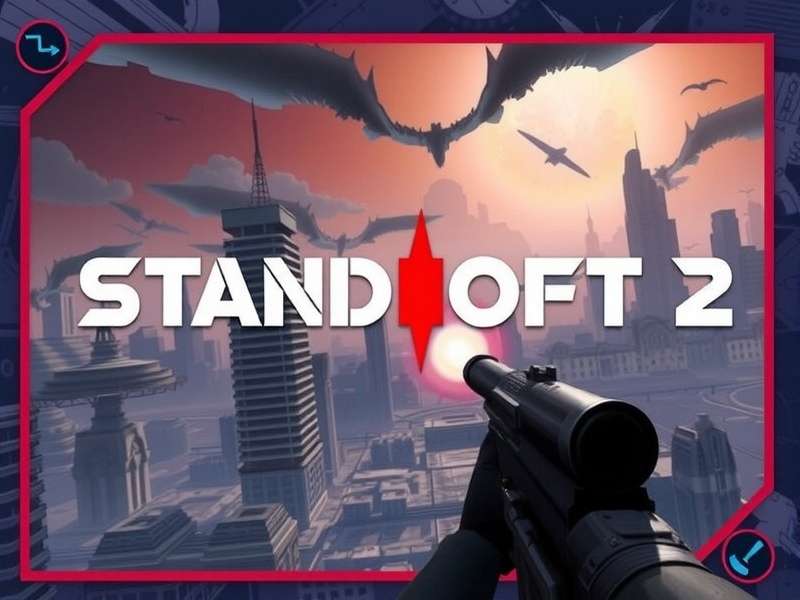
Why Play Standoff 2 on PC? 🤔
Standoff 2 is inherently a mobile-first game, but the competitive scene often demands precision that touch controls can't fully provide. Playing on PC via an emulator gives you several advantages:
- Mouse & Keyboard Precision: Aiming with a mouse is far more accurate than touch controls.
- Larger Screen: Enjoy the game on a monitor, spotting enemies from a distance.
- Better Performance: High-end PCs can run the game smoother than many mobile devices.
- Multitasking: Stream, record gameplay, or chat on Discord simultaneously.
Pro Tip: Using a PC emulator is perfectly legal as long as you don't use any hacks or unfair advantages. Always download the official Standoff 2 APK from Standoff 2 Download page.
Choosing the Best Emulator for Standoff 2
Not all emulators are created equal. Based on our extensive testing within the Indian gaming community, here are the top picks:
1. BlueStacks 5 (Recommended for Beginners)
BlueStacks is the most popular Android emulator for PC, and for good reason. It's optimized for gaming, offers key-mapping, and supports high FPS. The latest version, BlueStacks 5, is lighter and faster. To get started, check out our guide on How To Install Standoff 2 On Pc.
2. LDPlayer
LDPlayer is another excellent choice, specifically designed for gaming. It offers great performance and customization options. Many pro players in India prefer LDPlayer for its stability.
3. NoxPlayer
NoxPlayer is feature-rich and allows root access, which can be useful for advanced tweaks. However, it may be heavier on system resources.
Step-by-Step Installation Guide 🛠️
Follow these steps to get Standoff 2 running on your PC:
- Download and install your preferred emulator (e.g., BlueStacks 5).
- Launch the emulator and sign in with your Google account.
- Open the Google Play Store within the emulator and search for "Standoff 2". Alternatively, you can sideload the APK from a trusted source like the official Standoff 2 Pc Google Play page.
- Install the game and launch it.
- Configure your controls (key-mapping) for optimal gameplay.
Exclusive Performance Tweaks for Indian Gamers
Internet connectivity and hardware vary across India. Here are some tweaks to ensure smooth gameplay:
- Graphics Settings: Set graphics to "Medium" or "Low" if you experience lag. High settings require a dedicated GPU.
- Allocate More RAM: In emulator settings, allocate at least 4GB RAM for best performance.
- Use Ethernet: For competitive play, a wired internet connection reduces ping spikes common with Wi-Fi.
Mouse Settings for Pro-Level Aim 🎯
Your mouse sensitivity can make or break your game. We interviewed top Indian players and compiled the ideal settings. For a deep dive, visit our dedicated page on Standoff 2 Pc Mouse Settings.
Recommended DPI: 800-1200
In-game Sensitivity: 1.2 - 1.8 (adjust based on feel)
Polling Rate: 1000Hz
Common Issues and Fixes
Game Crashes on Launch
Ensure your emulator is updated to the latest version. Also, enable Virtualization Technology (VT) in your BIOS.
High Ping/Lag
Choose a server closest to India (e.g., Asia). Close background applications consuming bandwidth.
Controls Not Responding
Re-map your keys in the emulator's key-mapping tool. Avoid conflicts with system shortcuts.
Advanced: Playing Standoff 2 Online with Friends
Want to squad up with friends? Playing on PC doesn't isolate you from mobile players. The game uses the same servers. Learn more about the multiplayer experience on our Standoff 2 Pc Online guide.
Promo Codes & Rewards 🎁
Don't miss out on free skins and currency! Promo codes are released regularly. Check out our updated lists for Standoff 2 Promo Codes August 2025 and Standoff 2 Promo Codes September 2025.
Warning: Avoid websites offering hacks or mod menus. These can get your account banned permanently. For ethical gameplay, steer clear of Standoff 2 Hack Mod Menu or Standoff 2 Hack Apk offers.
Ranking Up Faster on PC
With the advantage of mouse and keyboard, climbing ranks becomes easier. Understand the ranking system by reading our Standoff 2 Rank guide.
Playing Standoff 2 on PC via an emulator opens up a new world of possibilities. It's a game-changer for serious players aiming for the top ranks. Remember, practice is key—spend time in the training ground to adjust your aim.
For the latest updates, promo codes, and guides, bookmark this site and check back often. Game on! 🔥